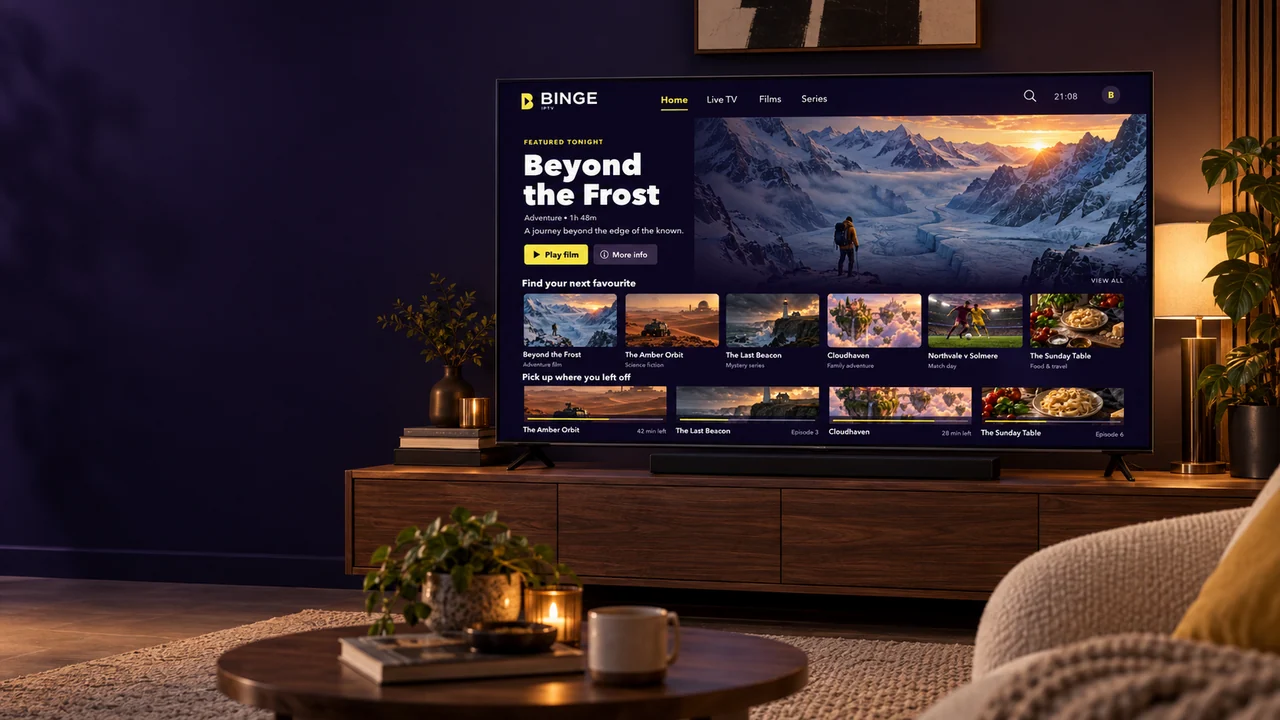
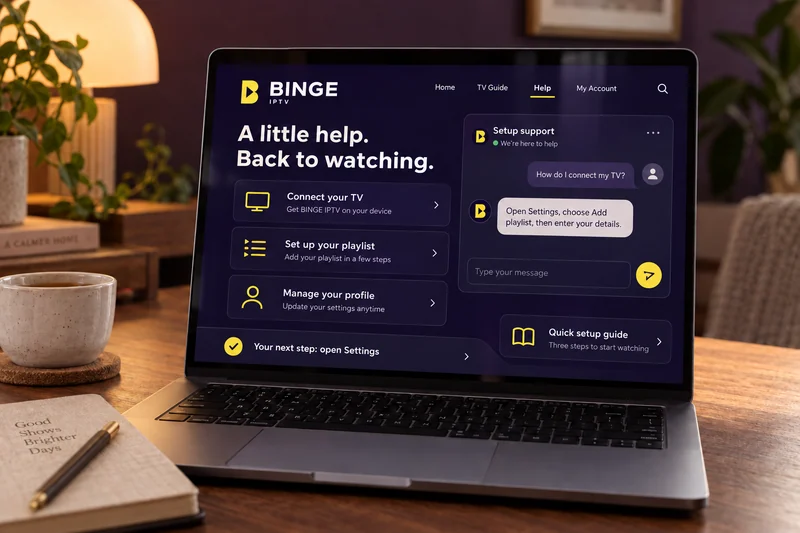
Not sure which plan or device suits you? Tell us what you want to watch on and we will point you at the right one.
How it works
Television over your internet connection, on the screen you choose
IPTV stands for internet protocol television. Instead of arriving through an aerial, a dish or a cable, channels reach your device as internet data — the same way a video streaming site works.
What you get
A subscription for a fixed term, plus the playlist details your player app needs to load the channel list.
What you need
A compatible device, a stable internet connection and an IPTV player app. Most people already have the first two.
What happens next
You install the player, enter your details once, and the channels and on-demand library appear on your screen.
Opens a WhatsApp message. No payment is taken on this website.
Prices are shown in US dollars and are charged once for the whole term. Nothing renews automatically. Compare the plans side by side
Why BINGE IPTV
What you can actually expect from us
No channel counts we cannot prove and no uptime promises we cannot keep — just the things that decide whether a subscription works well for you.
Works with the devices you own
Your subscription is delivered as playlist details you enter into a compatible IPTV player. That means most smart TVs, streaming sticks, phones, tablets and computers can be used without buying dedicated hardware.
Setup explained step by step
Every device we support has a written guide on this site with numbered steps and screenshots of what each screen asks for. You can read the whole guide before you order to see what is involved.
Terms that fit how you watch
Choose one, three, six or twelve months. Nothing renews automatically, so a subscription ends on its own unless you decide to extend it. The longer terms cost less per month.
A person to ask when you get stuck
Message us on WhatsApp or call the number on this site and you will be talking to the team that sets these up every day. We help with choosing a plan, first-time setup and playback problems.
Honest guidance on quality
Streaming quality depends on the source, your device and your connection. We tell you what each one needs rather than promising a resolution we cannot control at your end.
Straightforward account handling
We collect only what we need to set up and support your subscription. What we keep and why is written out in full in our privacy policy.
Channels & content
The kinds of programming a subscription covers
Categories are grouped in your player so things are quick to find. Exactly which channels appear depends on the package you subscribe to — ask us before you order and we will tell you.
Live TV
Scheduled channels arranged by category, with an electronic program guide wherever the player app and the source provide one.
Movies
An on-demand film library you browse by genre and start whenever you like, rather than waiting for a broadcast slot.
Series
Episodes grouped by season so you can pick up where you stopped, which is what most players resume automatically.
Sports
Live sports channels carried in the package you subscribe to. Which events appear depends on what is scheduled and on your plan.
News
Rolling news and current-affairs channels, including international feeds, grouped together so they are quick to find.
Documentaries & lifestyle
Factual programming, cooking, travel and nature, for the evenings when nothing scheduled appeals.
The artwork on these tiles was created for this website. It illustrates the categories rather than depicting any particular program. More about channels and content
Compatibility
Check the device you want to watch on
Each of these needs a compatible IPTV player installed on it. We do not publish our own app, so you use a player from your device’s own app store — and each card links to the guide for that route.
Smart TVs
Samsung, LG, Sony, Hisense, TCL and other connected sets.
Most modern smart TVs can install an IPTV player from their own app store. Once it is installed, you enter the playlist details we send you and the channel list loads on the TV itself — no extra box, no cables.
Fire TV Stick, Fire TV Cube and Fire TV built into a television.
Fire TV devices are the route most of our customers take, because a stick turns almost any TV with an HDMI port into a streaming device. Players are installed from the Amazon Appstore, or sideloaded using Amazon’s own Downloader app.
Android TV boxes, Google TV sets and Android-powered projectors.
Android TV gives you the widest choice of player apps, and most of them support an electronic program guide and resume-where-you-stopped playback. Install from Google Play and sign in with the details we send.
Apple TV supports IPTV players published on the tvOS App Store. Sideloading is not possible on tvOS, so you install one of the players Apple has approved and enter your playlist details there.
Useful for watching away from the TV, and for testing your subscription the moment it arrives — a phone is the fastest way to confirm everything works before you set up the living-room screen.
Players on the App Store accept the same playlist details as every other device. You can also send the picture to a television using AirPlay if the player allows it.
Desktop and laptop computers, and browser-based players.
A computer is the easiest place to check that a playlist is loading correctly, because desktop media players show you exactly what is failing when something does not play.
Orders are handled by a person rather than an automated checkout, so how quickly you are set up depends on when we pick up your message. We will always tell you where you stand.
Choose your plan
Pick the length of subscription that suits you. Every plan includes the same content and the same help with setup; only the term and the price differ.
Contact the team to order
Select a plan and the button opens a WhatsApp message with that plan already filled in. We confirm what is included, answer any questions and agree how you would like to pay.
Receive your setup details
Once your order is confirmed we send the details your player app needs, together with the written guide for the device you told us you are using.
Set up your device
Install a compatible player, enter the details we sent, and let the channel list load. If anything looks wrong at this stage, message us and we will work through it with you.
Start watching
Browse live channels or the on-demand library. You can add the same subscription to a second device later — ask us first, so we can tell you what your plan allows.
Picture quality is the result of four things working together. We would rather explain them than promise a resolution that depends on equipment in your home.
Resolution follows the source
A channel is delivered at whatever resolution its source provides. Where 4K and HD feeds exist in your package, a 4K-capable device and a connection with room to spare will show them at their best. No player can add detail a source does not carry.
The device does the decoding
Newer streaming sticks and TVs decode modern video formats in hardware, which is why they stay smooth where an older device stutters on exactly the same stream. If playback is poor on one device and fine on another, the device is usually the answer.
Stability beats raw speed
A steady 20 Mbps is a better viewing experience than a 200 Mbps line that drops for a second every few minutes. Wired Ethernet, or a 5 GHz Wi-Fi band with the router in sight of the device, removes most interruptions we are asked about.
Your player app matters
Players differ in how they buffer, how they handle an electronic program guide and how quickly they switch channels. If one behaves badly on your device, trying a different one is often the quickest fix, and we can suggest where to start.
~10 MbpsA reasonable allowance per HD stream
~25 MbpsA reasonable allowance per 4K stream
WiredThe single most effective fix for buffering
Customer support
Talk to someone who sets these up every day
Most problems are solved in a few messages. Tell us the device you are using and what is on the screen, and we will work through it with you.
Choosing a subscription
Tell us which device you want to watch on and how many screens you need at once, and we will tell you which plan fits.
Setting up a device
We will walk you through installing a player and entering your details, screen by screen, while you have the device in front of you.
Account and activation
Questions about what your subscription covers, when it ends, or moving it to a different device.
Playback and buffering
Send us the channel, the device and a photo of what you see. That is usually enough for us to narrow it down quickly.
Payments and renewals
How to pay, what we accept, and extending a subscription that is coming to an end.
WhatsApp
The quickest way to reach us, and the easiest place to send a photo of your screen.
If your question is not here, message us — we would rather answer it now than have you find out afterwards.
What is BINGE IPTV?
BINGE IPTV is a subscription service that delivers television over your internet connection instead of an aerial, satellite dish or cable. You subscribe for a fixed term, we send you the details your player app needs, and you watch on a device you already own.
How does an IPTV subscription work?
Television channels are sent to your device as internet data, in the same way a video streaming site works. Your subscription gives you access to a playlist. You enter that playlist into a compatible player app, the app loads the channel list, and you choose what to watch from there.
Which devices can I use?
Smart TVs, Amazon Fire TV and Firestick, Android TV and Google TV, Apple TV, Android phones and tablets, iPhone and iPad, and Windows or Mac computers. Each one needs a compatible IPTV player installed, and our Compatible Devices page explains what that means for your particular device.
How do I install a compatible IPTV player?
On most devices you install the player from the device’s own app store, open it, and enter the playlist details we send you. Fire TV devices can also sideload a player using Amazon’s Downloader app. Our installation guides cover each route step by step, and you can read them before ordering.
Can I use one subscription on several devices?
That depends on how many simultaneous connections your subscription includes. Message us before you order and tell us how many screens you want to watch on at once, and we will confirm exactly what your plan allows rather than leaving you to guess.
What internet connection do I need?
A stable connection matters more than a fast one. As a rough guide, allow around 10 Mbps for standard definition and high definition, and around 25 Mbps for 4K, per stream. A wired connection is steadier than Wi-Fi, and being far from the router is the most common cause of trouble we see.