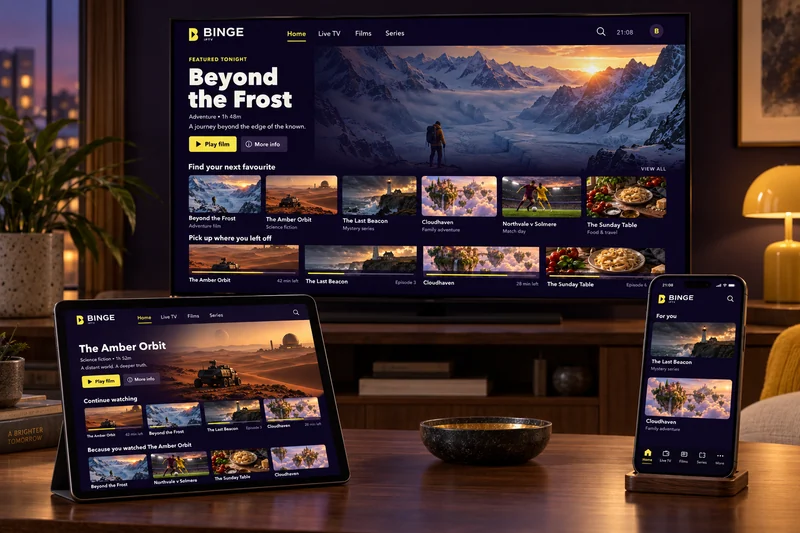
Find the device you want to watch on, see what it needs, and go straight to the setup guide for it.
One thing to understand before you start
BINGE IPTV does not publish its own application. Your subscription is a set of playlist details, and you enter those into a general-purpose IPTV player that you install from your device’s own app store.
That is how the service reaches so many different devices. It also means the question is never simply “is this device supported?” but “can this device run a player that accepts a playlist?” For almost everything sold in the last few years, the answer is yes.
If your device is not on this page,
that does not automatically mean it will not work. Send us the make and model and we will tell you honestly whether it is worth trying.
Device by device
What each one needs
Smart TVs
Samsung, LG, Sony, Hisense, TCL and other connected sets.
Most modern smart TVs can install an IPTV player from their own app store. Once it is installed, you enter the playlist details we send you and the channel list loads on the TV itself — no extra box, no cables.
You will need:
A compatible IPTV player installed from your TV’s app store.
Worth knowing:
Older sets sometimes have a store that no longer receives updates. If yours does, a streaming stick is usually the simpler route.
Fire TV Stick, Fire TV Cube and Fire TV built into a television.
Fire TV devices are the route most of our customers take, because a stick turns almost any TV with an HDMI port into a streaming device. Players are installed from the Amazon Appstore, or sideloaded using Amazon’s own Downloader app.
You will need:
A compatible IPTV player from the Appstore, or sideloaded with Downloader.
Worth knowing:
Sideloading requires turning on “Apps from Unknown Sources” in the device settings. Our guide shows exactly where that setting lives.
Android TV boxes, Google TV sets and Android-powered projectors.
Android TV gives you the widest choice of player apps, and most of them support an electronic program guide and resume-where-you-stopped playback. Install from Google Play and sign in with the details we send.
You will need:
A compatible IPTV player installed from Google Play.
Worth knowing:
Boxes sold without Google certification may have a limited Play Store. Check that yours can reach Google Play before ordering.
Apple TV supports IPTV players published on the tvOS App Store. Sideloading is not possible on tvOS, so you install one of the players Apple has approved and enter your playlist details there.
You will need:
An IPTV player from the tvOS App Store.
Worth knowing:
The choice of players is smaller than on Android. Message us before you order if you want to know which ones we have tested.
Useful for watching away from the TV, and for testing your subscription the moment it arrives — a phone is the fastest way to confirm everything works before you set up the living-room screen.
You will need:
A compatible IPTV player from Google Play.
Worth knowing:
Watching on mobile data uses a considerable amount of it. Wi-Fi is the sensible default.
Players on the App Store accept the same playlist details as every other device. You can also send the picture to a television using AirPlay if the player allows it.
You will need:
An IPTV player from the iOS App Store.
Worth knowing:
Some players restrict AirPlay. Our team can tell you which ones do.
Desktop and laptop computers, and browser-based players.
A computer is the easiest place to check that a playlist is loading correctly, because desktop media players show you exactly what is failing when something does not play.
You will need:
A desktop media player or IPTV application that accepts a playlist URL.
Worth knowing:
A computer connected to a TV over HDMI also works as a stop-gap while you set up a permanent device.
A streaming stick is usually the easiest route
It plugs into any HDMI port, it is inexpensive, and it keeps receiving software updates for years — which is more than can be said for the app store built into an older television.
Check the device can reach a proper app store
Cheap uncertified Android boxes often ship with a cut-down store, which limits which players you can install. Google certification, or a mainstream brand, avoids that.
Look for an Ethernet port if you can
A wired connection removes the most common cause of stuttering. Some sticks support it with an adapter, and some boxes have the port built in.
Ask us before you spend anything
We have no hardware to sell you, so there is nothing in it for us either way. If the device you already own will do the job, we will say so.