
Choosing a subscription
Tell us which device you want to watch on and how many screens you need at once, and we will tell you which plan fits.
What we can help with, how to reach us, and what to send so we can sort it out in a couple of messages rather than a dozen.
Get in touch
The quickest route, and the only one where you can send a photo of what is on your screen — which is usually worth ten messages of description.
For anything easier said than typed, or if you would rather be talked through a setup while the device is in front of you.
A good number of the messages we get are answered on the installation page — particularly the buffering and empty-guide sections.
On response times: we do not publish guaranteed hours or a promised reply time, because we would rather not advertise one and then miss it. Messages are read and answered as quickly as we can manage, and WhatsApp is consistently the fastest route.
What we help with
Tell us which device you want to watch on and how many screens you need at once, and we will tell you which plan fits.
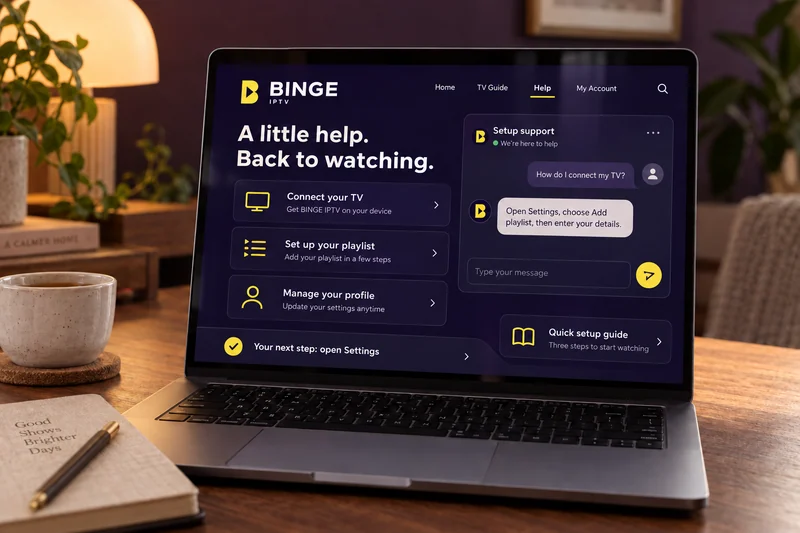
We will walk you through installing a player and entering your details, screen by screen, while you have the device in front of you.
Questions about what your subscription covers, when it ends, or moving it to a different device.
Send us the channel, the device and a photo of what you see. That is usually enough for us to narrow it down quickly.
How to pay, what we accept, and extending a subscription that is coming to an end.
Help us help you
Questions
If your question is not here, message us — we would rather answer it now than have you find out afterwards.
BINGE IPTV is a subscription service that delivers television over your internet connection instead of an aerial, satellite dish or cable. You subscribe for a fixed term, we send you the details your player app needs, and you watch on a device you already own.
Television channels are sent to your device as internet data, in the same way a video streaming site works. Your subscription gives you access to a playlist. You enter that playlist into a compatible player app, the app loads the channel list, and you choose what to watch from there.
Smart TVs, Amazon Fire TV and Firestick, Android TV and Google TV, Apple TV, Android phones and tablets, iPhone and iPad, and Windows or Mac computers. Each one needs a compatible IPTV player installed, and our Compatible Devices page explains what that means for your particular device.
On most devices you install the player from the device’s own app store, open it, and enter the playlist details we send you. Fire TV devices can also sideload a player using Amazon’s Downloader app. Our installation guides cover each route step by step, and you can read them before ordering.
That depends on how many simultaneous connections your subscription includes. Message us before you order and tell us how many screens you want to watch on at once, and we will confirm exactly what your plan allows rather than leaving you to guess.
Browse the subscription options, or message the team and tell us what you want to watch on. We will help you pick a plan and get the device set up.